Case Study: Customer Network Access Control Through CRM Extension
Managing customer network access from existing CRM records
The client needed authorised staff to disconnect and reconnect customer network access from records already held in its CRM and ERP platform. We built and deployed an extension within the platform that connects those records to the network equipment while retaining its permissions, validation and activity history.
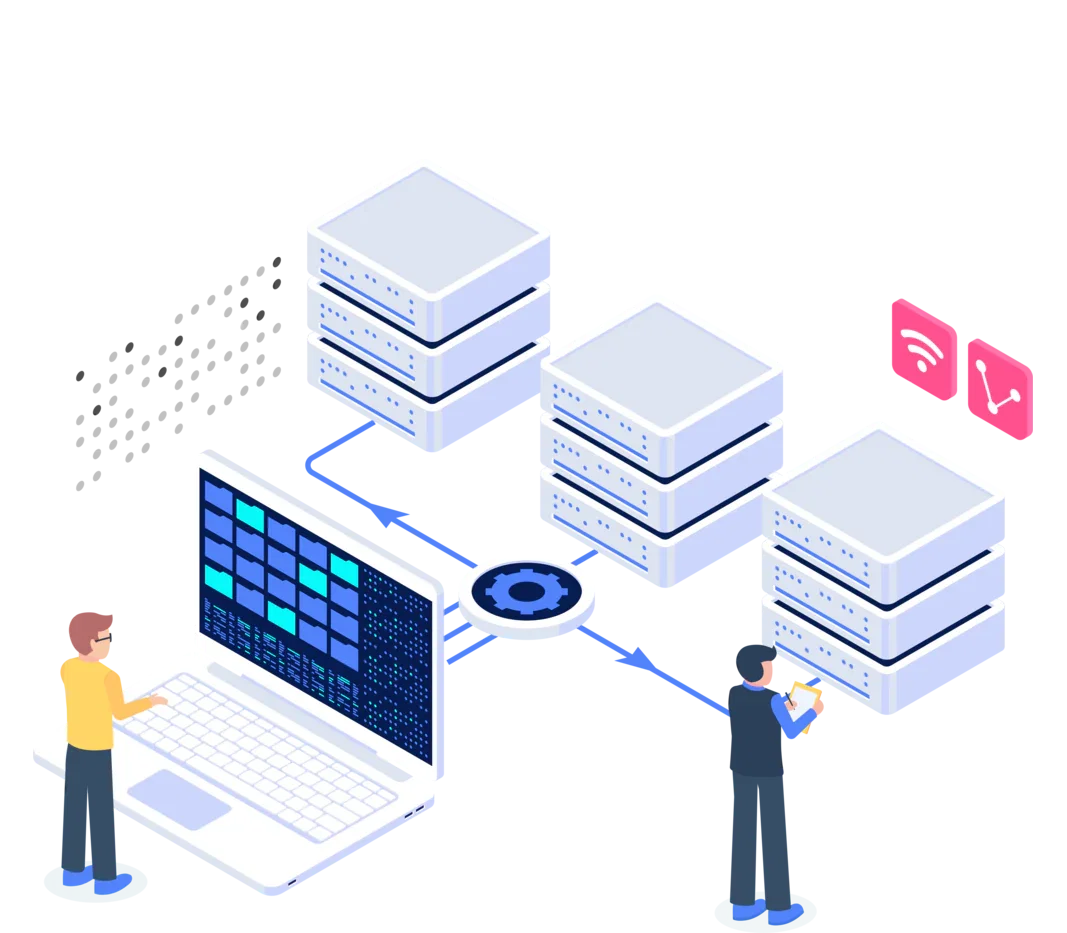
Manage network access without leaving the customer record
The client is a network operator whose CRM and ERP platform already held its customer records. Network access was enforced separately by its network equipment, with a different interface and access model.
Authorised service staff needed to disconnect or reconnect a customer from the relevant CRM record instead of interacting directly with the router. The change also had to leave the platform's core files untouched and retain enough application context to show who requested each action for which customer.
The workflow had to respect application and network controls
- Disconnect and reconnect actions had to sit within the existing customer-record interface.
- Platform group membership had to control who could invoke them; other users could see status only.
- The interface had to validate the stored IPv4 address, while the server-side action repeated the permission check and rejected forged form submissions.
- The module had to check equipment reachability and block-list membership rather than assume the customer's current state.
- Reconnection had to be verified before success was reported, while equipment settings remained restricted to administrators.
A module bridged the CRM and network equipment
We built a PHP module around the platform's existing descriptor, customer-record hook, groups, triggers, and configuration pages. This added the required status and actions without modifying core platform files or introducing a separate customer-management application.
A dedicated integration class connected to the network equipment through its router API. Disconnecting a customer added the stored IPv4 address to an equipment-level block list. Reconnecting removed the matching entry, then queried the equipment again to confirm that the address was no longer present before returning success.
Before presenting the controls, the module checked equipment reachability, validated the stored address, and queried its block-list status. Missing configuration or a failed connection produced an unavailable or unknown state instead of implying that an equipment action had completed.
Platform group membership limited the action buttons, and the server-side endpoint repeated the permission check and rejected forged form submissions. Connection settings remained on an administrator-only page. Platform triggers created activity entries linked to the acting user and customer record, providing application-level history rather than an immutable audit record.
A live workflow within the existing CRM
We deployed the module into the client's live environment. The customer record now shows whether the stored address is on the equipment block list and presents disconnect or reconnect controls to members of the authorised platform group. Other users can see status without receiving those controls.
Address validation, server-side permission checks, protection against forged form submissions, equipment health checks, block-list queries and reconnect verification each address a different failure or misuse path. The module checks the equipment state before reporting that a reconnect has succeeded.
Each requested action creates an activity entry linked to the user and customer record. This gives the client traceability within the CRM while keeping the operational workflow in the system its service staff already use.
Extend the platform rather than replace or modify it
The existing platform already provided the customer records, users, groups, extension hooks, and activity system needed for the workflow. The missing capability was the controlled interaction with the network equipment. Adding that capability as a module preserved the established CRM workflow and kept the integration within a defined boundary. Compatibility will still need review as the platform and network equipment evolve.
Client names and identifying details have been withheld to protect confidentiality.
Need to extend an existing platform?
Tell us what the platform needs to control or connect to.